
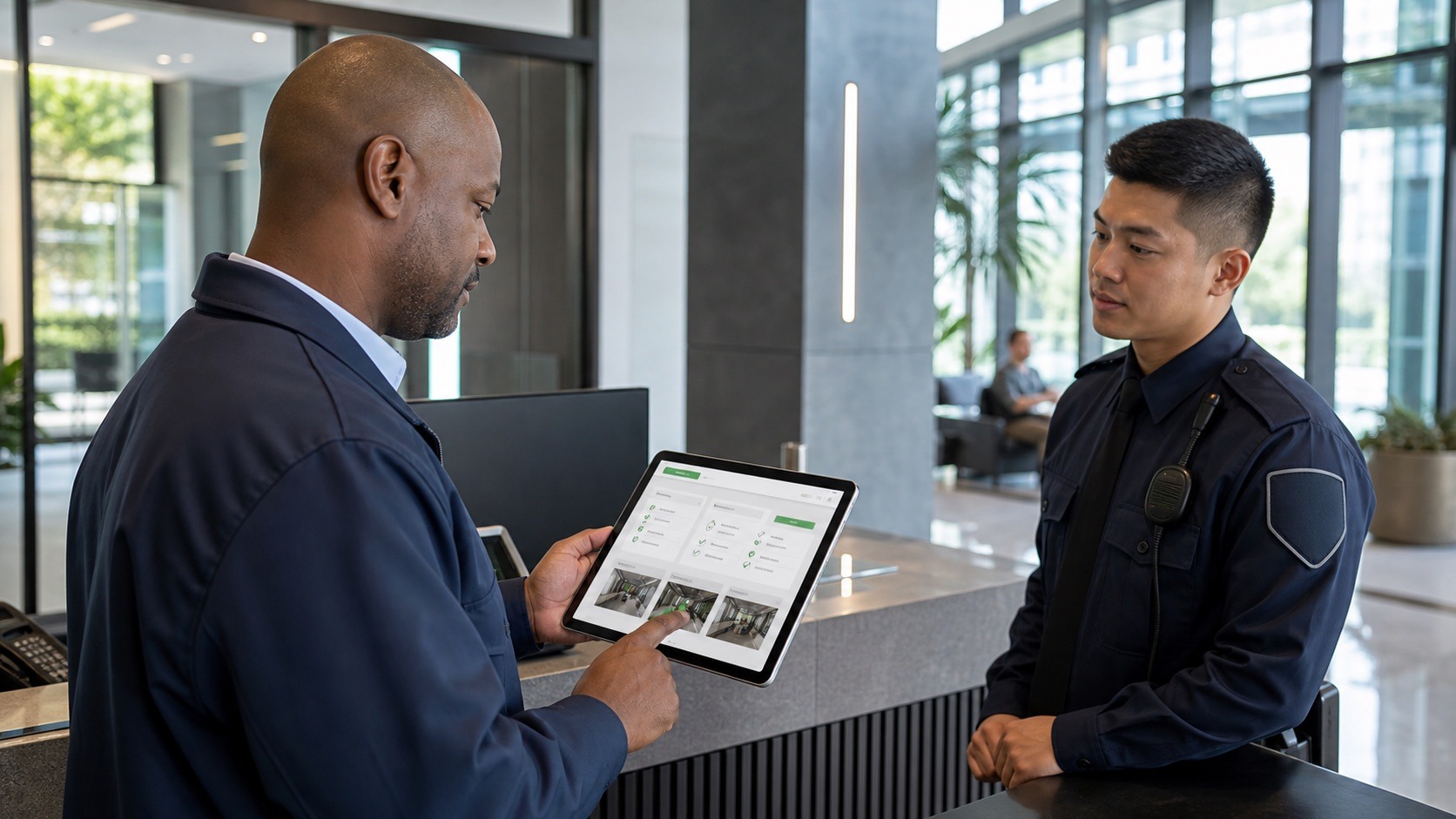
A security daily activity report, often called a DAR, gives clients and supervisors a clear record of what happened during a guard’s shift. A strong DAR does more than list routine patrols. It documents site activity, exceptions, incidents, maintenance concerns, access issues, visitor activity, and any follow-up that needs attention.
Use this security daily activity report template as a starting point for cleaner, more consistent reporting. Then, when your team is ready to reduce manual paperwork, GuardMetrics can help turn daily reports into mobile, searchable, client-ready documentation.
Give officers a consistent structure for documenting activity, exceptions, and site notes.
Make it easier to catch missing details before reports reach the client.
Help clients see what happened, when it happened, and what action was taken.
Free Security Daily Activity Report Template
Use these fields to build a consistent DAR for each shift.
Site And Shift Details
- Client or property name
- Site address or post name
- Officer and supervisor names
- Shift date, start time, and end time
- Weather or site conditions, if relevant
Patrol Activity
- Patrol start and end times
- Areas and checkpoints completed
- Doors, gates, and access points inspected
- Parking areas or exterior zones checked
- Missed, delayed, or interrupted patrols
Visitor And Access Notes
- Visitor names or counts, if required
- Vendor or contractor activity
- Deliveries and escorts
- Access control exceptions
- Unauthorized access attempts
Maintenance And Safety Notes
- Lighting problems
- Open doors or unsecured areas
- Water leaks or hazards
- Fire/life-safety concerns
- Damaged property or equipment issues
Incidents Or Exceptions
- Time and exact location
- People involved
- What happened
- Officer actions taken
- Photos, notifications, and follow-up required
End-Of-Shift Summary
- Key activity from the shift
- Open issues for the next shift
- Reports submitted
- Supervisor review notes
- Client follow-up needed
Turn daily activity reports into client-ready records
GuardMetrics helps security teams move from scattered manual reports to structured, mobile, searchable documentation.
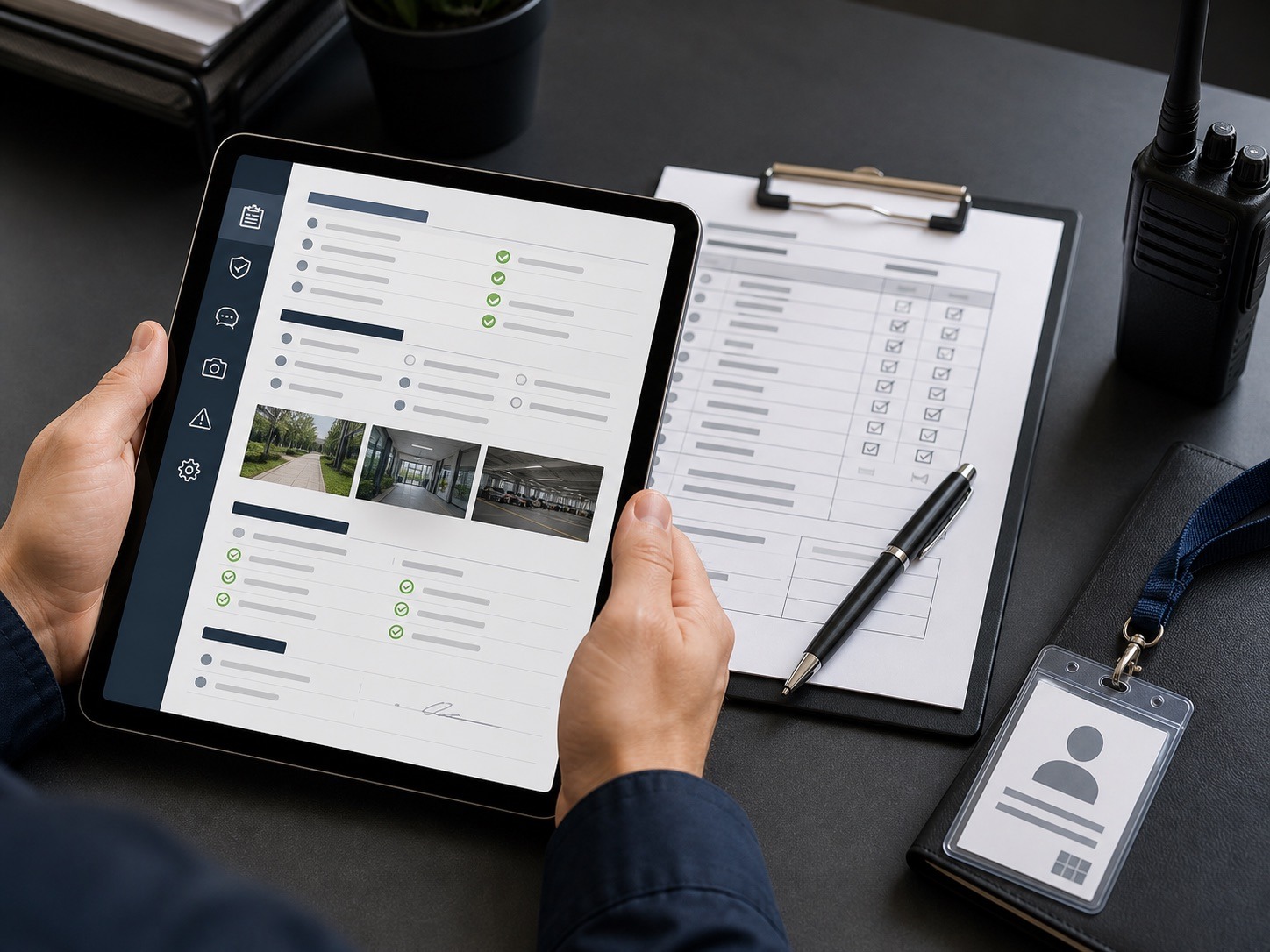
What Should A Security DAR Include?
A good daily activity report should be specific enough that a supervisor or client can understand what happened without calling the officer for clarification.
People And Post
- Who was working
- Where they were assigned
- When the shift started and ended
Activity And Exceptions
- What patrols or checks were completed
- What unusual activity occurred
- What incidents were reported
Action And Follow-Up
- What actions the officer took
- Who was notified
- Whether follow-up is needed
The more important the site, the more important the report quality becomes. Hospitals, campuses, residential properties, casinos, corporate facilities, and large commercial properties often need reliable documentation for liability, compliance, and client communication.
Daily Activity Report Example Structure
Here is a simple example structure for a clean, time-stamped shift narrative.
Shift Started
Officer arrived on site, received passdown from previous shift, reviewed post orders, and checked required equipment.
Exterior Patrol
Completed exterior patrol of parking areas, loading zones, and main entrances. No unusual activity observed.
Maintenance Concern
Observed exterior light out near the east entrance. Submitted note and photo for property management follow-up.
Visitor Access
Assisted approved contractor with access to service entrance. Verified authorization according to site procedure.
Interior Patrol
Checked lobby, stairwells, access doors, and restricted areas. All secured.
Exception Noted
Found unsecured door near storage area. Secured door and notified supervisor. Added photo to report.
Shift Completed
Completed final patrol and submitted shift summary. One maintenance item and one security exception require follow-up.
Common DAR Mistakes That Frustrate Clients
Daily activity reports lose value when they are vague, late, incomplete, or hard to search.
- Reports that only say “all clear”
- Missing times and locations
- No description of officer actions
- Incidents buried inside routine notes
- Paper reports that are hard to retrieve
- Photos stored separately from the report
- Reports sent late or inconsistently
- No supervisor review before the client sees the report
Ready to move beyond manual DARs?
See how GuardMetrics helps document patrols, incidents, exceptions, photos, and client-ready shift summaries from one connected platform.
Why Digital DARs Are Easier To Manage
Digital daily activity reports help security teams standardize how officers document activity. Instead of collecting paper forms, scanning files, searching emails, or retyping notes, supervisors can review reports from a central system.
Field Reporting
- Capture reports from the field
- Add photos and notes in one place
- Time-stamp activity
- Connect reports to sites, posts, and clients
Supervisor And Client Review
- Review reports before they are shared
- Search historical activity
- Send client-ready reports more consistently
- Reduce manual report storage and distribution work
For security companies, better reporting can support client retention because clients see clearer proof of service.
How GuardMetrics Improves Daily Activity Reporting
GuardMetrics helps security teams move from scattered manual reports to structured, mobile, client-ready reporting.
Patrol Verification
- Guard tour and checkpoint activity
- GPS-enabled patrol verification
- Post orders
Report Quality
- Incident reporting
- Photos and attachments
- Supervisor review
Client Delivery
- Client-ready branded reports
- Report history and search
- Dispatch and field activity
Related GuardMetrics Reporting Resources
Teams that want a broader reporting workflow can use these related GuardMetrics resources to compare reporting, patrol tracking, incident documentation, and guard management options.
Mobile guard reporting appField reporting from phones and mobile devices
Incident reporting system and appCapture incidents, photos, and follow-up details
Security guard incident reporting softwareIncident documentation for security teams
Security guard business reporting systemOperational reporting across clients and sites
Client-ready patrol reporting templatesImprove the way patrol activity is presented
Guard tour system softwareTrack patrols, checkpoints, and site activity
Security guard app for patrol tracking and reportingMobile app workflows for officers in the field
Security guard management softwareManage reports, patrols, and operations together
What is security guard management software?A complete guide for security teams
Guard tour devices and patrol phonesDevice options for field teams
QR code, NFC, and RFID guard tour trackingCheckpoint technology for patrol verification
Security guard timekeeping softwareConnect timekeeping with field activity
Request a GuardMetrics demoSee the reporting workflow in action
Request A GuardMetrics Demo
If your team is still managing daily activity reports manually, GuardMetrics can show you how digital DARs work inside a broader security guard management system.
FAQ
What is a security daily activity report?
A security daily activity report is a shift report that documents what a security officer observed and completed during a shift. It usually includes patrol activity, access notes, incidents, exceptions, maintenance concerns, and follow-up items.
What should guards include in a DAR?
Guards should include the site, shift time, officer name, patrol activity, unusual observations, incidents, actions taken, notifications made, photos when appropriate, and any follow-up needed by supervisors or clients.
What is the difference between a DAR and an incident report?
A DAR summarizes normal and unusual activity during a shift. An incident report focuses on a specific event, such as a trespass, injury, theft, disturbance, property damage, access violation, or safety issue.
Should daily activity reports include photos?
Photos can make a DAR more useful when documenting damage, unsecured areas, hazards, maintenance problems, vehicle issues, access exceptions, or other conditions that are easier to understand visually.
Why use software for daily activity reports?
Software helps standardize reports, reduce paperwork, attach photos, time-stamp activity, improve supervisor review, and make report history easier to search and share with clients.