
Security Guard Incident Reporting Software and Mobile App
Give officers a structured way to document incidents from the field and give supervisors faster access to the records that need review. GuardMetrics connects configurable mobile report forms, photos and signatures, supervisor search and review tools, AI-assisted form creation, and AI-assisted report refinement in one security-operations workflow.
See GuardMetrics Incident Reporting in Action
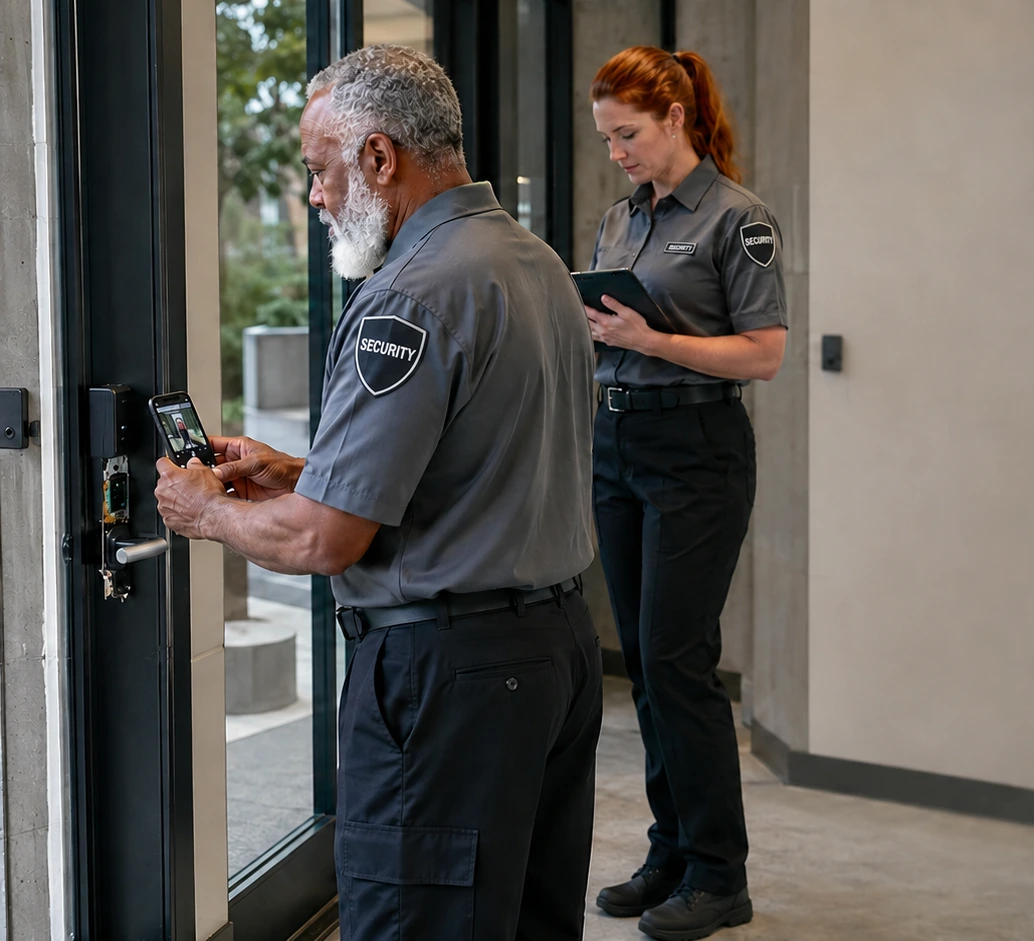
What Is Security Guard Incident Reporting Software?
Security guard incident reporting software gives officers a structured way to document a specific event from the field and gives authorized supervisors a way to search, review, and decide what follow-up is needed. GuardMetrics supports mobile report forms with configured fields, photos, and signatures, along with AI-assisted custom-form creation and AI-assisted report refinement. The available forms and review tools depend on the customer, site, role, permissions, and enabled features. Incident reporting is one focused workflow within the broader GuardMetrics security guard management software platform.
When Incident Details Are Scattered, Management Loses Time and Clarity
An incident report is useful only if it clearly explains what happened, where and when it happened, who was involved, what the officer observed, what action was taken, and what still needs attention.
When officers rely on handwritten forms, text messages, separate photos, or end-of-shift memory, supervisors may receive an incomplete record long after the event. They then have to chase missing details, reconcile separate files, and decide whether the report is ready for management or client review.
Common breakdowns include:
- Different officers using different report formats for the same type of incident
- Important facts being recorded after the details are no longer fresh
- Photos or signatures being separated from the written report
- Generic forms that do not capture the information required by the site or client
- Supervisors spending too much time finding reports and requesting clarification
- Incident records being difficult to retrieve when a client or manager asks a follow-up question
How a Better Security Incident Reporting Workflow Should Work
1. Use the Right Form for the Site and Incident
Different incidents require different information. A disturbance, property-damage event, access violation, injury, suspicious activity report, or vehicle incident should not be forced into the same generic form. Site-specific and event-specific forms help the officer capture the details management expects.
2. Document the Event While the Details Are Current
Officers should be able to open the appropriate form from a supported mobile device and complete the required fields while the people, location, sequence of events, and actions taken are still clear. A mobile guard reporting app helps keep incident documentation closer to the event instead of relying on end-of-shift reconstruction.
3. Keep Supporting Information With the Report
When configured for the form, officers can include photos and signatures with the structured incident record. This keeps supporting information connected to the report instead of scattered across phones, texts, and email attachments.
4. Give Authorized Supervisors a Clear Review Path
Depending on role, site scope, permissions, customer features, and configuration, authorized supervisors can use incident-search and activity-review tools to find recorded incidents and determine whether clarification or operational follow-up is needed.
Turn Existing Paper Forms Into Digital Incident Reports With AI
Many security operations already have incident-report forms that reflect their clients, sites, policies, and reporting requirements. The problem is the time required to rebuild every field manually before the form can be used digitally.
In GuardMetrics Custom Forms, an administrator can upload an existing paper form or describe the report needed in natural language. The AI builder creates the custom digital form, reducing the manual setup required to reproduce the operation’s reporting structure.
The form should still be reviewed and configured for the appropriate customer, site, users, and workflow before it is put into use. AI speeds form creation; management still controls what information the form requires and where it is used.
This can help security teams build forms for incidents such as:
- Disturbances, trespassing, and access violations
- Injuries, medical responses, and safety events
- Property damage, theft, and loss reports
- Suspicious activity and unusual-condition reports
- Vehicle, gate, parking, and facility incidents
- Client- or site-specific incident categories
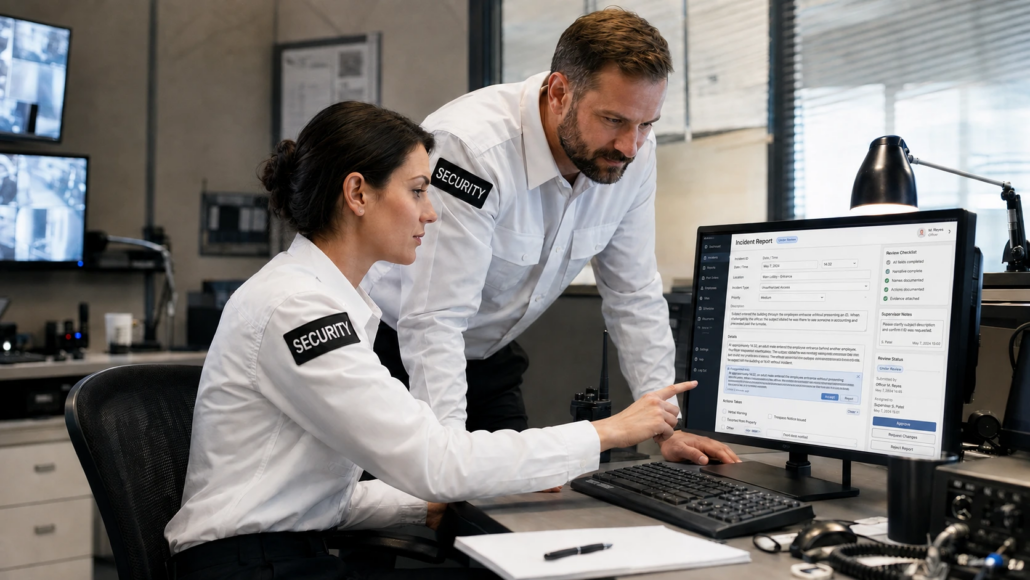
Improve Incident Narratives Without Replacing Officer Accountability
Creating the right form is only part of the reporting problem. Officers also need to explain what happened in a clear sequence using accurate, professional language. GuardMetrics AI security guard report writing software helps refine officer-written facts for structure, spelling, grammar, and readability.
AI Refine should not invent facts or replace the judgment of the officer who observed the event. The officer remains responsible for documenting what happened, and officers and supervisors should review the final report for accuracy before it is finalized or shared according to the company’s process.
Give Supervisors a Faster Way to Find and Review Incident Records
Incident reporting creates value when management can find and use the record. Depending on permissions, customer features, site scope, and configuration, authorized supervisors can search incident reports and review selected officer, client, scan, and activity information. Available Reports Dashboard and filtered reporting tools can also help managers review recorded incident and inspection outputs without relying on a paper filing system. For the broader reporting workflow, see the GuardMetrics security guard reporting system.
This is operational visibility, not predictive analytics or a guarantee of a particular response time. Management remains responsible for reviewing the report, requesting clarification, and deciding what action or communication is required.
See the Incident Reporting Workflow With Your Own Forms
A useful demo should not stop at a canned report. Bring one of the paper forms your team uses now and show us how officers and supervisors currently handle the incident. GuardMetrics can demonstrate how custom forms, mobile reporting, AI-assisted setup, and review tools may fit your operation.
Review Incident Reports Before Client Delivery
See how authorized supervisors can open incident-report records, identify reports awaiting review and review, edit or approve a report before it is made available to the client when that workflow is configured.
What to Look for in Security Guard Incident Reporting Software
Before choosing an incident reporting system, test the workflow with a routine event and a complicated incident. The useful question is not whether the software can produce a form. It is whether officers, supervisors, and managers can use the complete workflow consistently.
- Can incident forms be configured for different clients, sites, and event types?
- Can the form require the information management actually needs?
- Can officers complete the report from a supported mobile device?
- Can configured photos and signatures stay with the incident record?
- Can authorized supervisors find and review incidents without searching paper files or email chains?
- Does AI improve form setup and report clarity while preserving human review?
- Can incident reporting sit alongside broader reporting, patrol, and management workflows?
- Is the system easy enough to adopt without sacrificing operational control?
Built for Security Guard Companies and In-House Security Teams
GuardMetrics incident reporting software is designed for security guard companies and security operations that need consistent incident documentation across officers, sites, posts, and clients.
That includes contract security firms as well as in-house security teams in healthcare, education, property management, casinos and entertainment, corporate facilities, residential communities, and other operations where officers must document events clearly and management must be able to find the record later.
The exact forms, fields, access, review tools, and available features depend on how the customer, site, roles, permissions, and GuardMetrics features are configured.
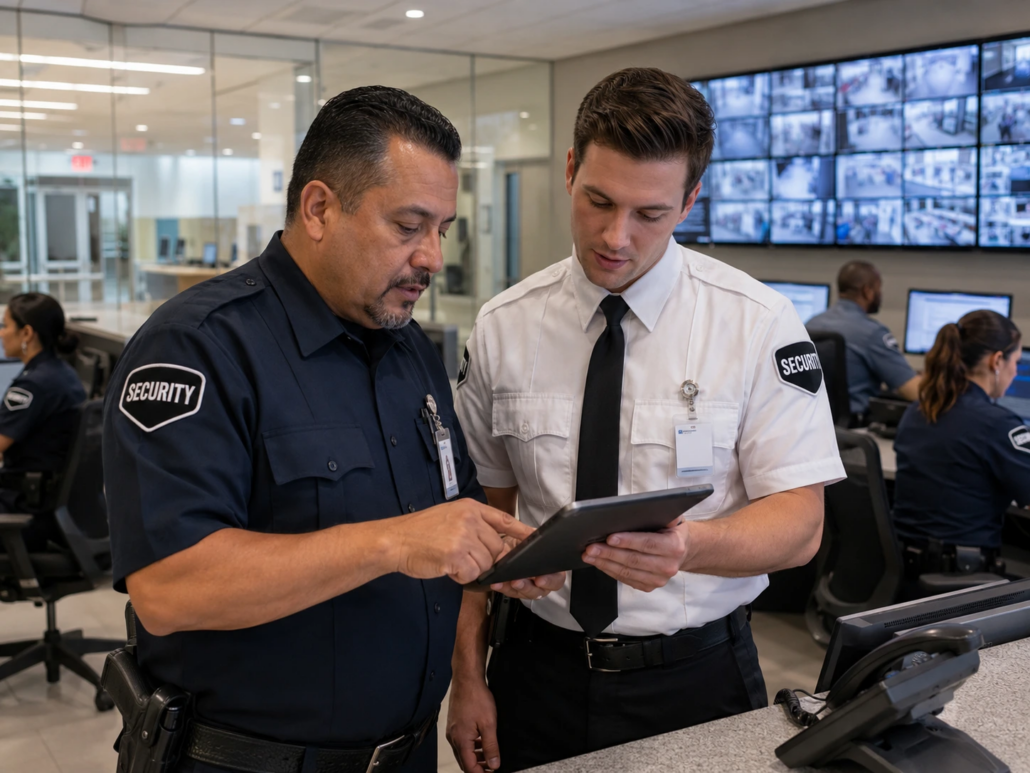
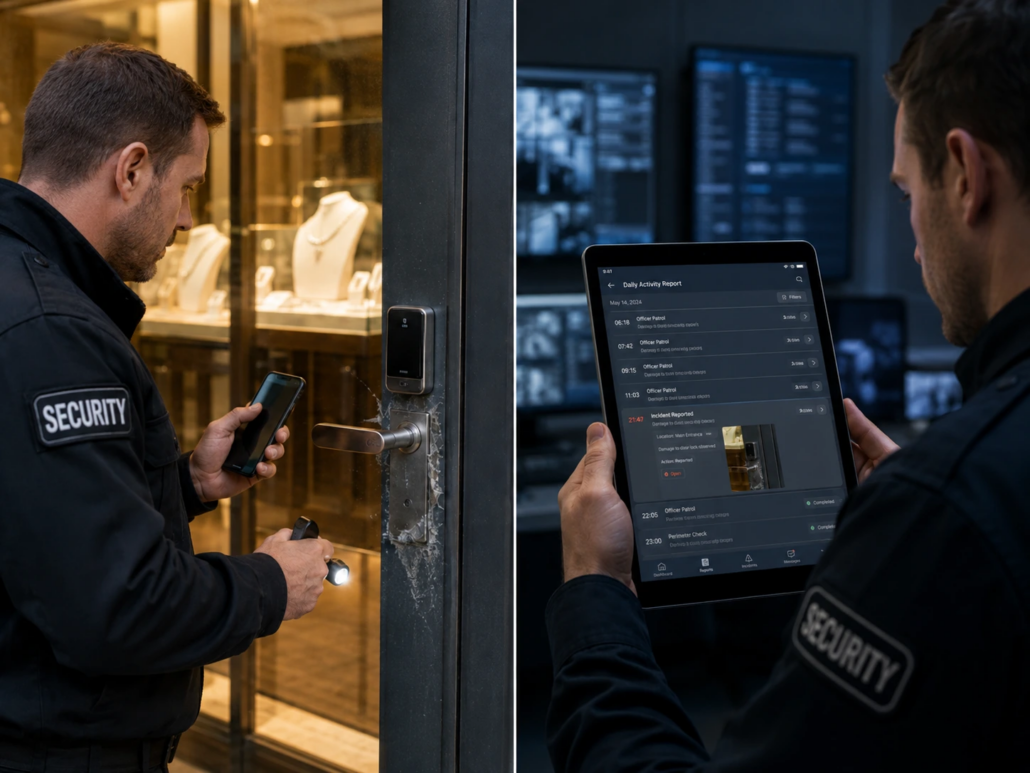
Incident Reports and Daily Activity Reports Serve Different Purposes
An incident report focuses on one specific event, such as a disturbance, injury, theft, property-damage event, access violation, or safety concern. It should capture enough detail for someone who was not present to understand what happened and what the officer did.
A daily activity report, or DAR, summarizes the broader shift. It may mention an incident, but the incident should not be buried inside a general shift narrative when it requires its own structured record. Teams standardizing shift documentation can also use the GuardMetrics security daily activity report template.
Need an Incident Report Template First?
The free GuardMetrics Security Operations Toolkit includes an editable incident report template along with a post order template, fire watch log, and supervisor inspection checklist. Use it to standardize the documents you have now, then bring those forms to a GuardMetrics demo when you are ready to reduce manual setup and reporting work.
Security Guard Incident Reporting Software FAQs
What is security guard incident reporting software?
Security guard incident reporting software helps officers document a specific event in a structured digital report and gives authorized supervisors a way to find, review, and use the record. The workflow may include configured fields, narratives, photos, signatures, categories, and other site-specific information.
Can officers submit incident reports from a mobile device?
Yes. GuardMetrics supports mobile Report Forms that authorized users can complete from a supported device when the forms are visible to them. Available forms and fields depend on the customer, site, role, visibility settings, permissions, and enabled features.
Can incident reports include photos and signatures?
Yes, when those elements are configured for the form. GuardMetrics mobile Report Forms can support required fields along with configured photos and signatures.
How does the GuardMetrics AI custom-form builder work?
An administrator can upload an existing paper form or describe the needed form in natural language. The AI builder creates the custom digital form, reducing the manual work required to build every field from scratch. The form should then be reviewed and configured for the appropriate reporting workflow.
Can AI help write security incident reports?
GuardMetrics AI Refine can help improve the structure, spelling, grammar, and readability of officer-written facts. It should not invent details or replace officer and supervisor review.
Can supervisors search and review incident reports?
Depending on role, level, site scope, permissions, customer features, and configuration, authorized supervisors can access incident report search and selected activity-review tools. Management remains responsible for deciding whether clarification, correction, follow-up, or client communication is required.
What is the difference between an incident report and a DAR?
An incident report documents one specific event in detail. A daily activity report summarizes the officer’s overall shift, including routine activity, patrols, observations, exceptions, and follow-up items. An incident may be referenced in the DAR while still requiring its own report.
Does incident reporting software replace supervisor review?
No. The software helps officers submit structured information and helps authorized supervisors find and review it. People remain responsible for report accuracy, operational decisions, follow-up, and client communication.
Ready to Improve Security Incident Reporting?
If officers still rely on paper forms, scattered photos, or end-of-shift reconstruction, incident reporting is creating more management work than it should.
Bring one of your current incident forms to a GuardMetrics demo. We can show how mobile reporting, configurable forms, AI-assisted form creation, AI Refine, and supervisor review tools may fit your security operation.
618 E South St
Orlando, FL 32801
Suite 500 Office 548
Phone: (800) 825-6858
support@guardmetrics.com