
Security Guard Dispatch Software for Guard Companies
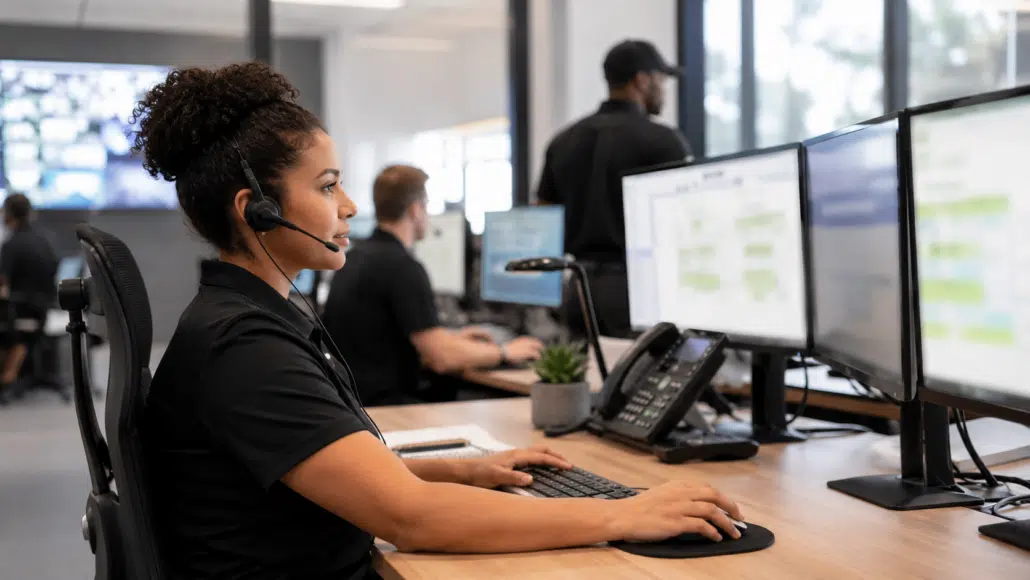
GuardMetrics helps security guard companies manage dispatch calls, operational events, field-officer alerts, mobile updates, call status, incident documentation, and supervisor visibility in one connected workflow — so calls do not disappear into texts, notes, or verbal handoffs.
What Is Security Guard Dispatch Software?
Security guard dispatch software helps guard companies receive operational calls, route assignments to field officers, track updates, and document follow-through in one structured workflow. This helps dispatchers, supervisors, and officers coordinate activity without relying on scattered notes, disconnected messages, or inconsistent handoffs.
When Dispatch Depends on Calls, Texts, and Memory
Dispatch problems do not usually begin with a lack of effort. They begin when information is spread across phone calls, handwritten notes, text messages, email, and verbal handoffs.
An alarm call, complaint, service request, staffing issue, or other operational event may require several people to act. The dispatcher needs to capture the request, notify the right officer, keep relevant managers informed, receive field updates, document what happened, and confirm that the call was resolved.
Without a structured dispatch workflow, important details can be delayed, repeated, misplaced, or left without clear follow-through. GuardMetrics gives security guard companies a more organized way to move an operational event from intake to assignment, field response, documentation, and closure.
For a deeper look at the operational failure points, see why security guard dispatch operations break down and how to fix them.
How the GuardMetrics Dispatch Workflow Works
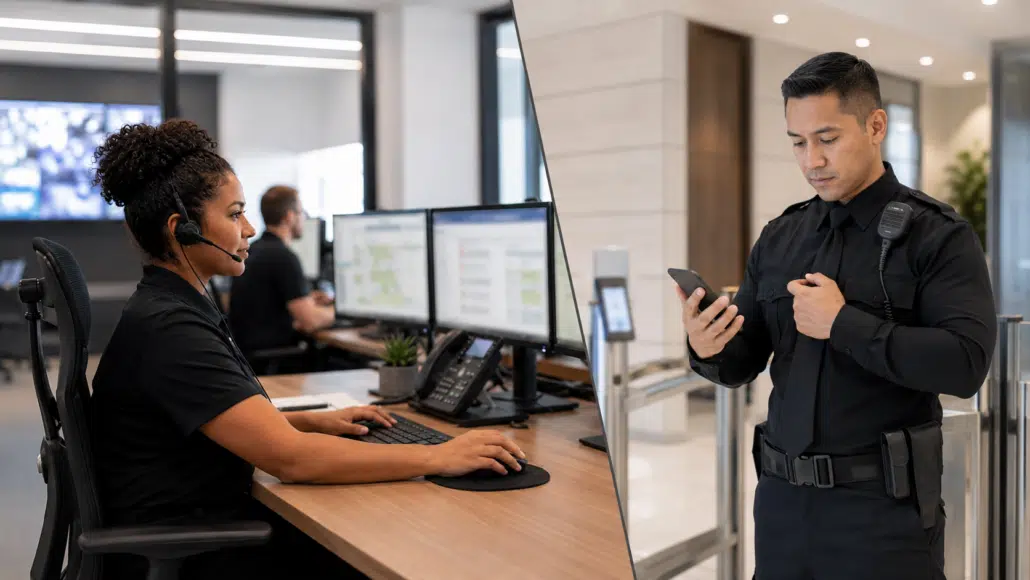
1. Capture the incoming call or operational event
The dispatcher receives an alarm call, complaint, service request, or another operational event and records the information in the dispatch workflow.
2. Alert the appropriate field officer and site managers
The dispatcher can send the assignment and related notes to the officer in the field. Relevant site managers can also be alerted when the workflow requires their visibility.
3. Receive field updates in the dispatch call queue
Responses from field officers and managers return to the dispatch call queue in real time, giving the dispatcher a central place to review updates and record additional notes.
4. Track whether the call is active or complete
The dispatcher can keep a call marked In Progress while follow-up is underway, then mark it Closed when the event has been handled.
5. Connect dispatch activity with incident documentation
When the event requires formal documentation, the dispatcher can submit an incident report on the officer’s behalf and search or edit incident reports as authorized.
6. Give supervisors visibility into active dispatch calls
Managers and site supervisors with the appropriate permission can use the Dispatch Log in the Supervisor Menu to review calls that remain in progress.
Dispatchers manage the active workflow from the desktop dispatch view, including alerts, notes, call status, and authorized incident-report actions. Field officers and permitted supervisors use the mobile and Supervisor Menu functions described below.
Want to See the Dispatch Workflow in Action?
See how GuardMetrics helps dispatchers alert field officers, track call status, collect field updates, and give supervisors clearer visibility into active calls.
Mobile Officer and Supervisor Visibility
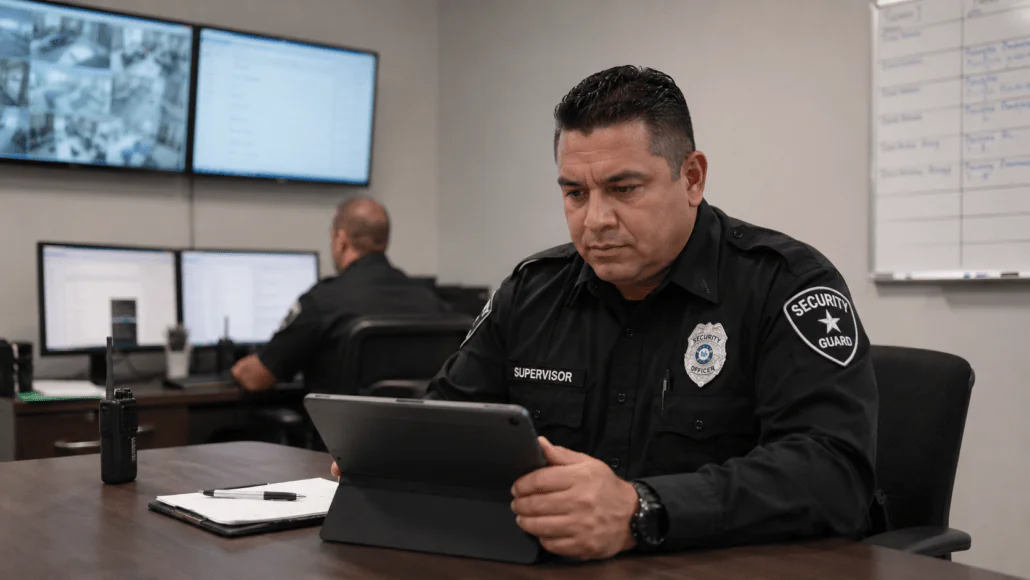
Field officers can receive dispatch alerts and notes on their mobile device. Officers can also send updates back to dispatch, including status information such as arrival at the site when that is part of the company’s dispatch protocol.
Managers and site supervisors with the appropriate permission can review the Dispatch Log through the Supervisor Menu. This gives operational leaders better visibility into active calls without requiring every update to be relayed separately.
GuardMetrics also supports a mobile guard reporting app for field documentation and a security officer management system for broader officer oversight.
Connect Dispatch With Reporting and Guard Operations
GuardMetrics supports dispatch alongside incident reporting, mobile guard reporting, guard tours, and officer management. These related capabilities help security companies keep field events, documentation, patrol activity, and supervisor review within a broader security-operations platform instead of treating dispatch as a disconnected admin task.
What to Look for in Security Guard Dispatch Software
Before choosing a dispatch system, evaluate how well it supports the actual workflow your dispatchers, officers, supervisors, and managers use. Important questions include:
- Can dispatchers capture calls and operational events in one central queue?
- Can the right field officer and relevant managers be alerted quickly?
- Can officers send status updates back to dispatch?
- Can dispatchers see which calls remain In Progress and which are Closed?
- Can dispatch activity connect with incident reporting when formal documentation is needed?
- Can supervisors review active dispatch calls without relying on separate messages?
- Is the system easy enough for dispatchers and field personnel to adopt consistently?
- Is it designed around security guard company operations rather than generic field-service workflows?
Why GuardMetrics Fits Security Guard Dispatch Workflows
GuardMetrics is built for security guard companies and security operations. Its dispatch capability is designed around the practical need to receive an event, route the information, keep the right people informed, collect field updates, document follow-through, and maintain supervisor visibility.
The result is a dispatch workflow that is easy to adopt but operationally strong, with closer connections to the reporting, patrol, and officer-management work security companies handle every day.
Security Guard Dispatch Software FAQs
What is security guard dispatch software?
Security guard dispatch software helps a security company capture incoming calls or operational events, assign or alert field officers, receive updates, track call status, and document follow-through in a centralized workflow.
What types of events can a security guard dispatch system help manage?
A security guard dispatch workflow may be used for alarm calls, complaints, service requests, site issues, officer status updates, and other operational events that need to be routed and followed through.
Can GuardMetrics dispatch alerts be sent to mobile officers?
Yes. Mobile officers can receive dispatch alerts and notes and can send updates back to dispatch according to the company’s operating protocol.
Can dispatch activity be connected to incident reporting?
Yes. When formal documentation is needed, authorized dispatch personnel can submit an incident report on an officer’s behalf and search or edit related incident reports.
Can supervisors see active dispatch calls?
Managers and site supervisors with the appropriate permission can use the Dispatch Log in the Supervisor Menu to review dispatch calls that remain in progress.
Is GuardMetrics only a dispatch system?
No. Dispatch is one part of the broader GuardMetrics platform, which also supports security guard reporting, guard tours, officer management, scheduling, timekeeping, visitor management, and related security operations workflows.
Ready to Improve Dispatch Visibility and Follow-Through?
See how GuardMetrics can help your security guard company organize incoming events, coordinate field assignments, track dispatch status, and give supervisors better visibility into operational follow-through.